Responsive Authoring, Keyboard Speed, and HTML Export Expand MdWrk in a Single Day
MdWrk expands quickly with responsive layout tuning, keyboard navigation, export actions, print flows, and richer markdown rendering, giving teams more range across screens and daily writing tasks.
What changes for users
Writers gain:
- faster command access through keyboard flows
- export coverage for HTML handoff
- responsive layouts that scale across device sizes
- richer markdown support for tables, syntax color, and project creation flows
Usage example
npm install --ignore-scripts
npm run dev:client
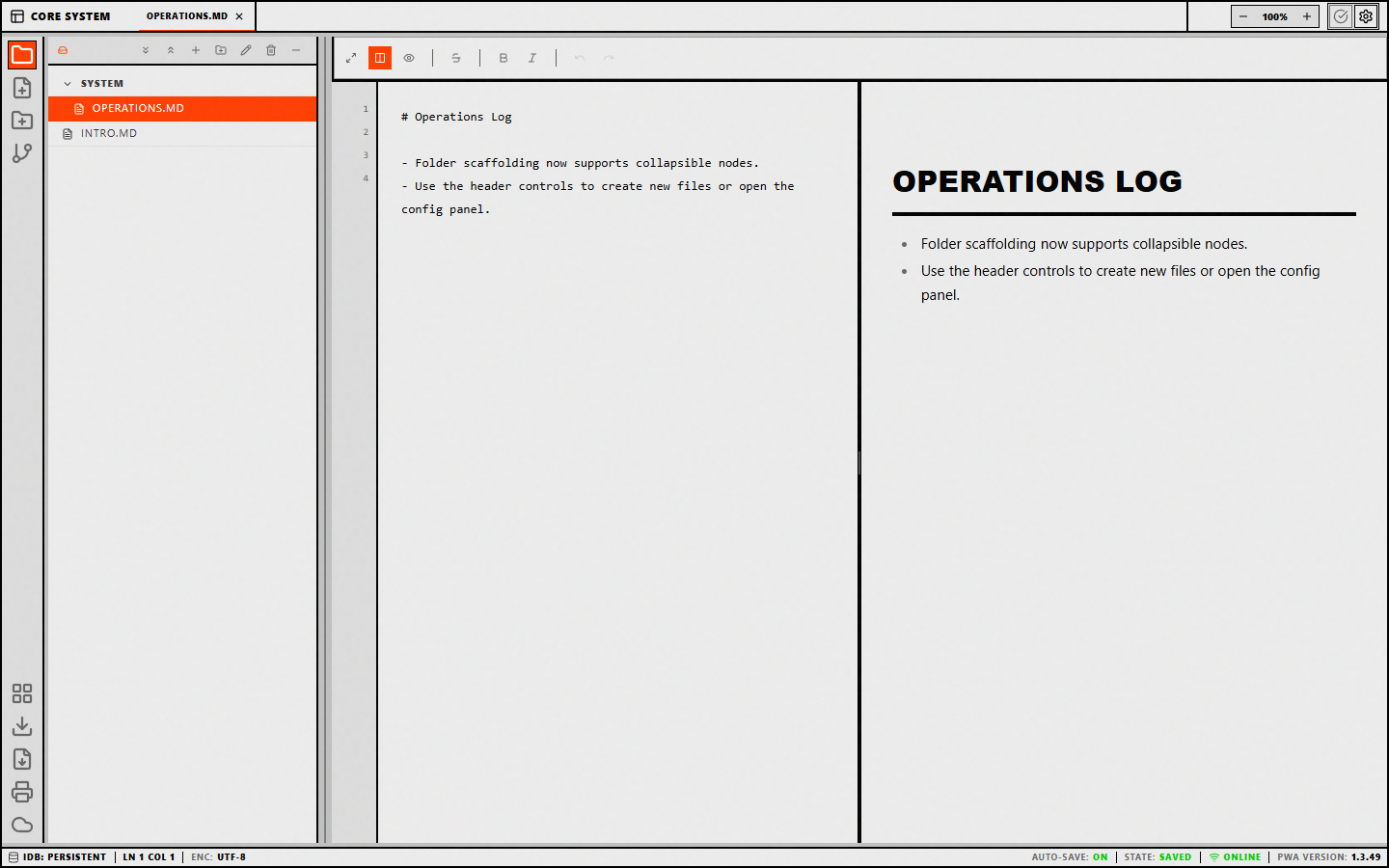
Once the client is running, teams can open a draft, write in source mode, preview the output, and publish HTML for downstream sharing.
Screenshot
Why this day matters in the product story
January 21 gives MdWrk a practical answer to common product questions:
- Can a writer move quickly with keyboard-first flows?
- Can a team present markdown across multiple screens?
- Can authored content leave the workspace as a web-friendly deliverable?
Each answer turns into shipped functionality on the same date, which makes this one of the strongest velocity moments in the early repo history.