Explore the MdWrk Client, Packages, and Extensions Through a Sharper Docs Experience
The MdWrk site now presents a clearer path into the client, package family, and extension platform, with stronger navigation, sharper titles, and more direct routes into installation and usage.
What readers get from the new docs surface
The public docs now guide readers into:
- installation choices
- reusable module adoption
- extension platform details
- authoring flows for themes, language packs, and extensions
- repository updates that explain how the platform grows
Docs that carry the current state
Screenshot
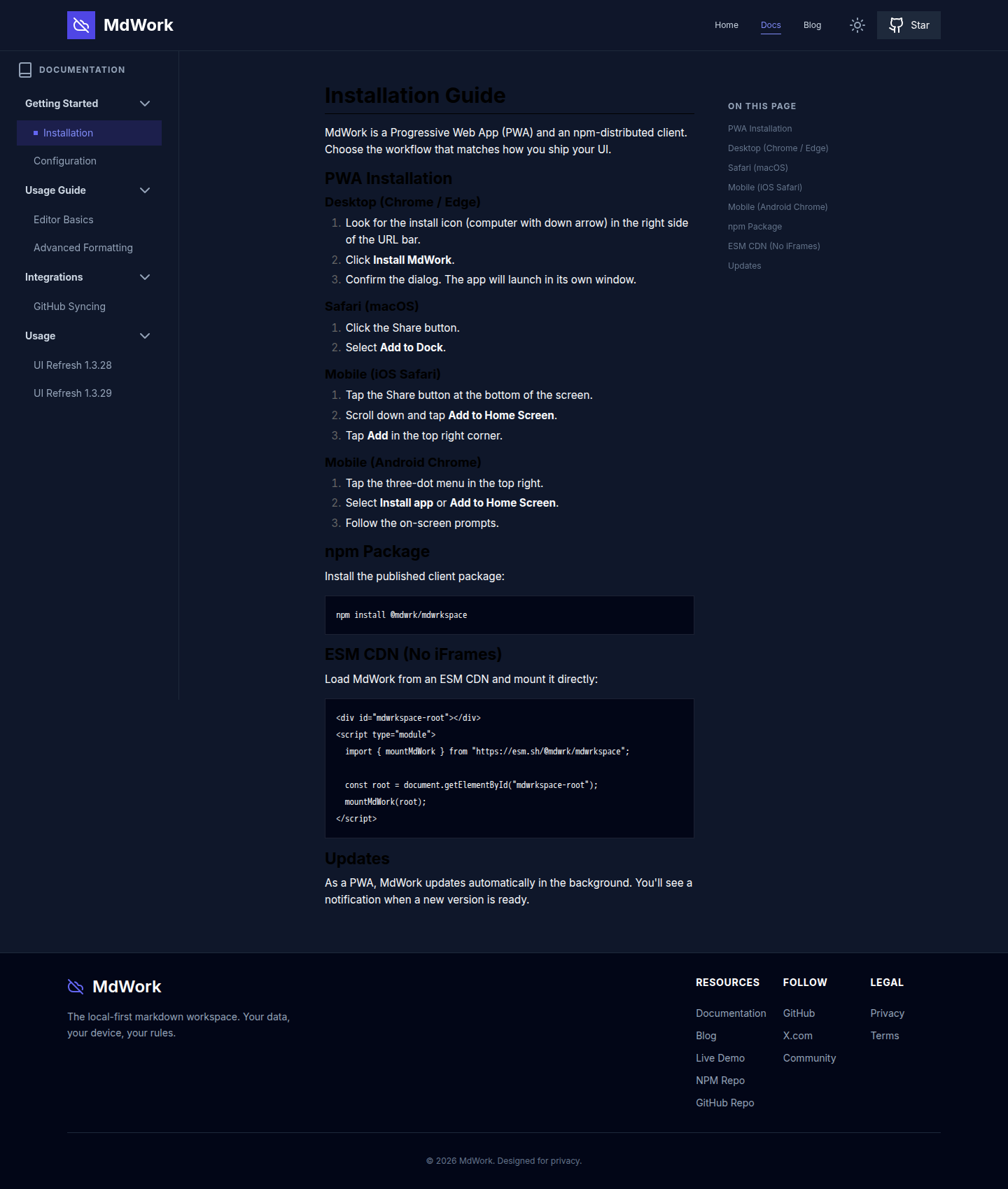
What this update improves
The site now gives readers:
- user-facing titles that communicate product value immediately
- technical detail that supports installation and implementation
- direct links between installation, usage, authoring, and package surfaces
- repository links that show the implementation timeline behind each update
Use this route in MdWrk
- Start with installation.
- Move into standalone modules when package reuse is the main goal.
- Follow extension platform for the host and runtime surface.
- Read the April 30 repository history for the concrete docs and brand refinements.
MdWrk now gives readers a faster path from the landing page to installation, package usage, and extension workflows.